 Klicke hier für den deutschen Artikel.
Problem
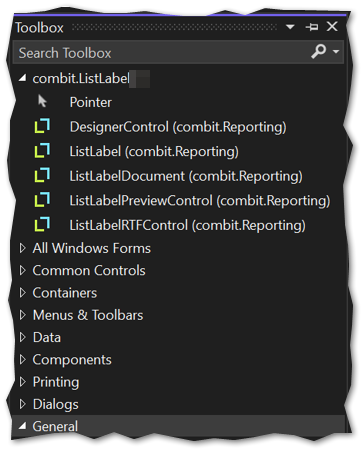
When List & Label is installed on the developer’s machine, an attempt is made to automatically integrate it into the Visual Studio Toolbox, enabling List & Label components to be dragged and dropped - quickly and effortlessly, for example - onto a WinForms surface for immediate use.
Until now, the .NET Framework 4.8 assembly shipped with List & Label has always been used for this purpose. However, in newer .NET (Core) versions this is no longer possible, because Microsoft has fundamentally changed the underlying architecture for Visual Studio Toolbox integration. Even attempting to add the List & Label assembly to the Toolbox manually is now blocked, with a corresponding message, and is refused.
… targets a platform whose toolbox items cannot be enumerated dynamically
Therefore, when a modern .NET application is used, the List & Label components cannot be accessed directly from the Visual Studio Toolbox, as they cannot be displayed there.
Solution
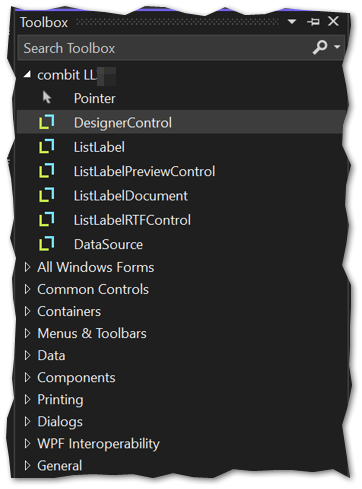
Instead, add the List & Label NuGet package to your modern .NET application in the appropriate version. You may need to restart Visual Studio so that the Toolbox can reload the updated project configuration, after which the List & Label components can be used from the Toolbox as usual: