
Hello
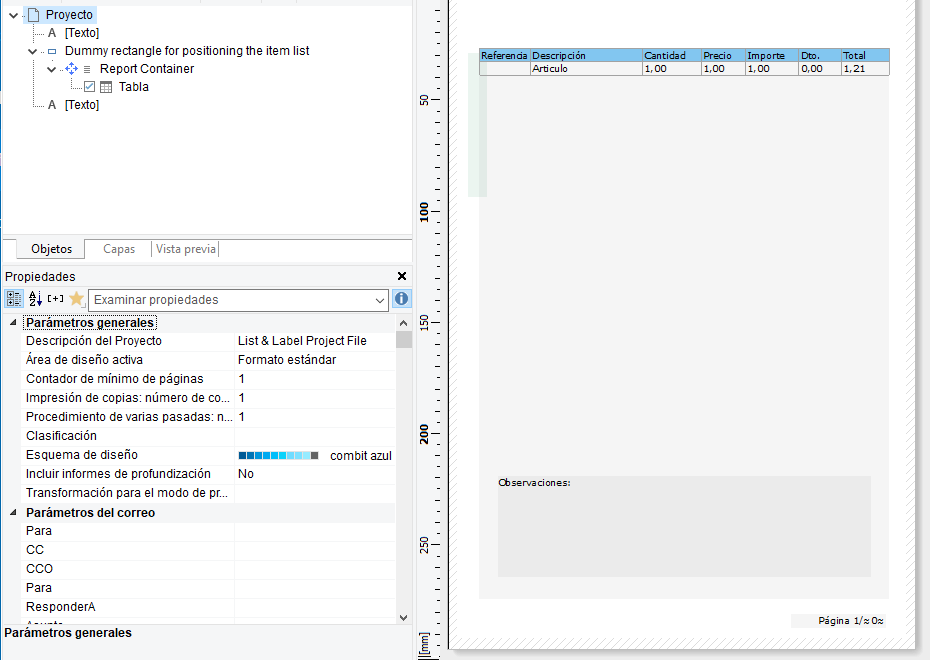
I have a problem when it comes to being able to show text below a table in the footer of the last page because if the table goes all the way to the bottom the text is superimposed on top of the table data and I don’t want it to do that but rather put it underneath if it enters or move it to the last page but always in the footer.
I have put the text in a layer that has a condition for the last page (LastPage()) and the table is in the Base layer.
What do I have to do?
Can you check if this helps  ?
?
I’ve already done it and it doesn’t show me nothing.
I recommend that you recreate the problem within our sample application and then upload the file here for further verification.
I can’t upload files because I’m a new user.
Now you can - just upgraded your account.
WSGU000031.inv (159.8 KB)
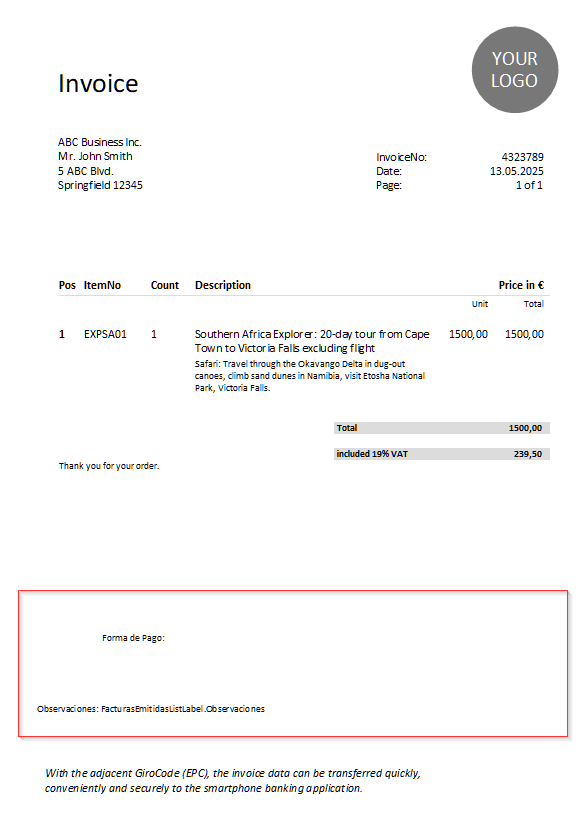
I’ve added your objects to our sample application. Instead of using a Layer “LastPage()” I assigned the appearance condition to the objects. It works fine - if it fits:
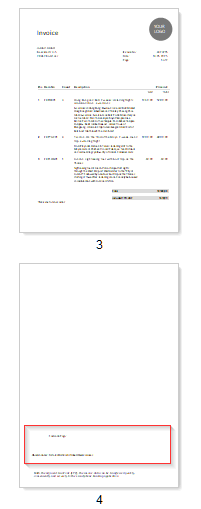
If it doesn’t fit:
I attach the template (can be loaded with the demo application, Design > Invoices).
Invoice.inv (159.9 KB)
I just did it and what it does is hide those texts and it doesn’t show them to me, but in the file that you have given me it doesn’t either.
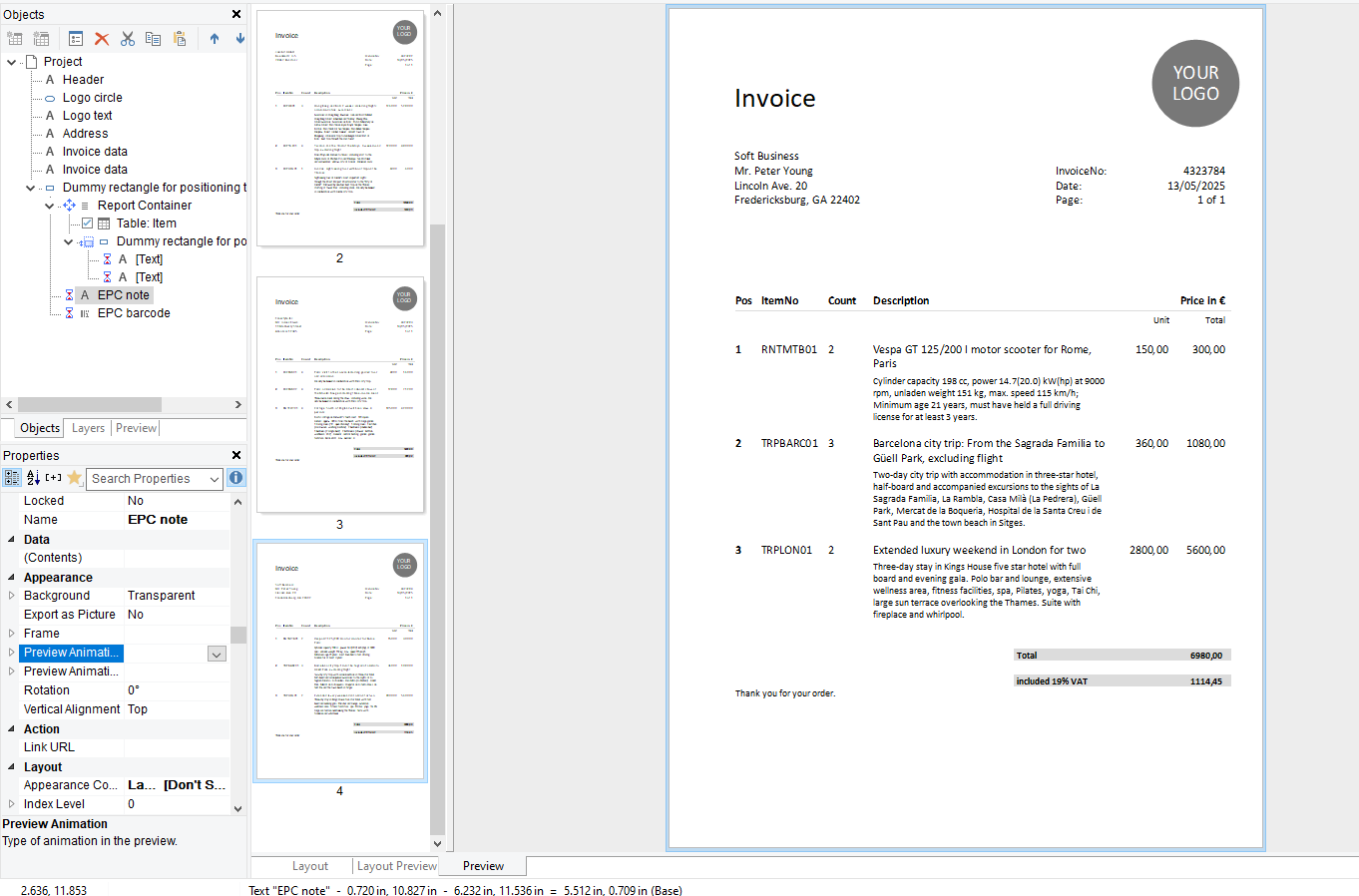
I’d suggest to get in touch with our support team then - this has to be something quite special.